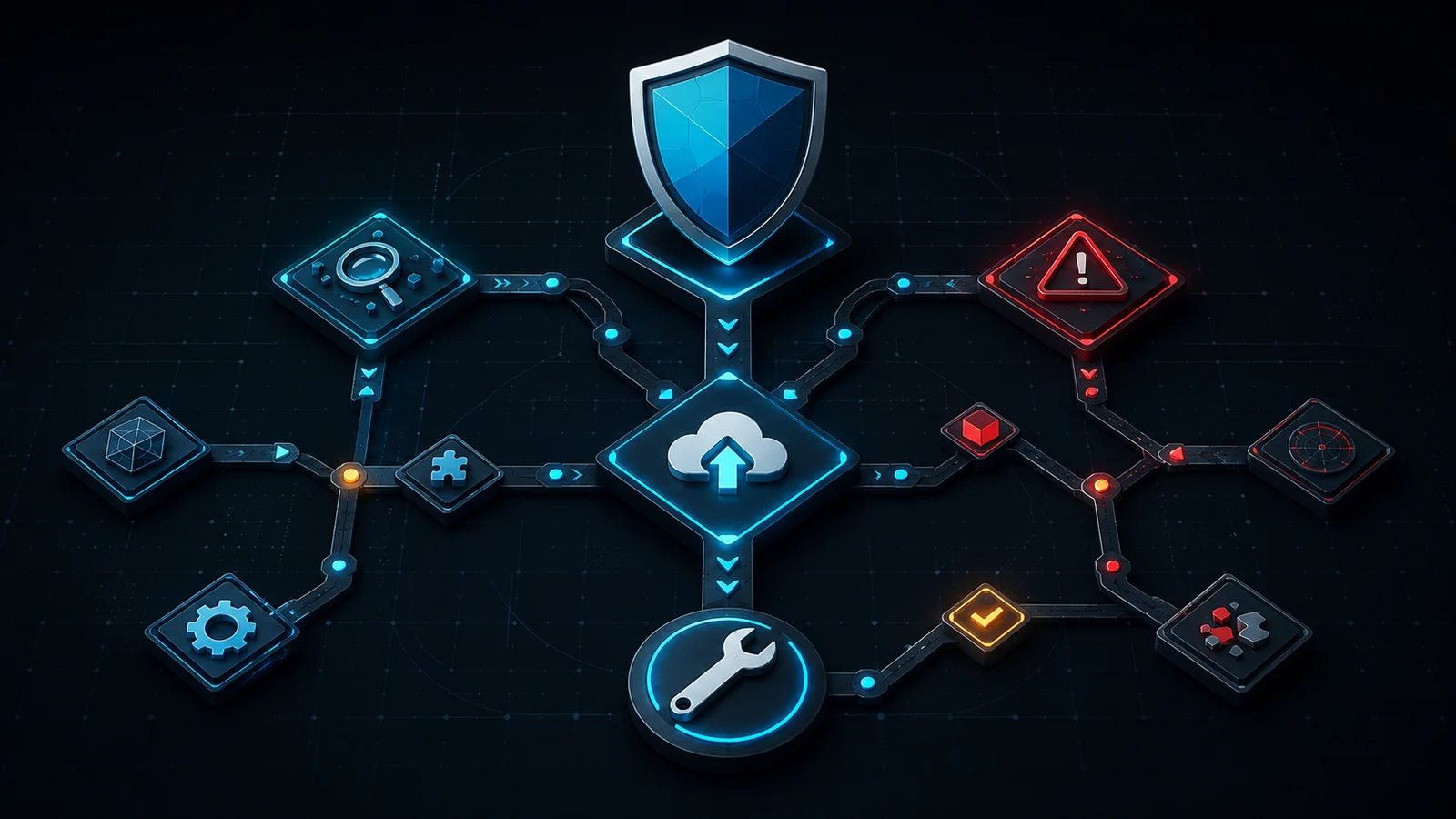
Outline
Account decision tree
Start with the exact failure
Login or credential problem
- 1Confirm the username and password on the official Account Manager.
- 2If the website accepts the account but the game does not, use Account > More > Refresh Login in the game.
- 3Use the official password-reset flow if the credentials have changed or Refresh Login fails.
Boundary: DashedUp cannot see, reset, recover, or administer an account.
Before changing data
Use the smallest reversible step first
- 01
Read
Record the exact message and the action that produced it. A save-size message is not the same problem as a login error.
- 02
Protect
Make sure important local progress is preserved before deleting editor levels, reinstalling, or moving devices.
- 03
Refresh
Use the official in-game Refresh Login path when the official FAQ connects the failure to outdated credentials.
- 04
Escalate
Use the official Account Manager or current official FAQ. Never paste a password or save file into a fan-site form.
Trust boundary
Account guidance is not account administration
DashedUp has no account connection, login form, recovery database, or moderator authority. The selector above only reorganizes publicly documented steps so you can identify the right official path.
Do not send credentials to a person who claims they can restore progress. If an instruction conflicts with the current official FAQ, follow the official source and treat this page as outdated until corrected.
After the account issue
Return to a browser game without sharing account data
The playable pages below are independent browser experiences and do not use your Geometry Dash account. They cannot confirm that an official login or cloud save has been repaired.
Play next
Practise in a playable game
Open a separate browser game to practise related movement. This recommendation does not claim that the exact level in this article is included.
Browse games

Direct answers
Geometry Dash account help FAQ
Can DashedUp reset my Geometry Dash password?
No. DashedUp is an independent fan site and has no access to Geometry Dash accounts. Use the official Account Manager linked on this page.
Why can I log in on the website but not in the game?
The official FAQ recommends refreshing the in-game login. If the problem remains, follow its current instructions rather than sending credentials to another site.
What do account errors -5 and -11 mean for saving?
The official FAQ directs users who see -5 or -11 during cloud saving to refresh the login and, if needed, restore the password through the Account Manager.
Does loading overwrite my current save?
The current official account FAQ says loading merges save files. Preserve important progress and confirm the current official guidance before a high-risk transfer.
Can I move data between different accounts?
No. The official FAQ says device transfer uses Save and Load with the same account; it cannot move data from one account to another.
Can moderators recover lost account data?
The official FAQ says moderators cannot administer accounts or recover lost data. Regular cloud saves are the preventative step it recommends.
Checked source
Use the current official FAQ for the final instruction
RobTop GamesOfficial Geometry Dash Account FAQ
Primary source for account changes, activation, login, cloud save/load, transfers, and account limitations. Checked 2026-09-06.
For gameplay and creator resources, open the games and tools catalog or the general troubleshooting guide.