Read the hint
Open the exact locked form or cosmetic and record its wording before searching.
Quick answer
The Geometry Dash Icon Kit is the in-game customization menu for playable forms, colours and cosmetic effects. Open it from the player icon on the main menu; the user-level menu also provides a hanging-rope route into the customization area. Select a locked item to read its requirement, then match that wording to an achievement, collectible, shop, chest, gauntlet, Path, vault room or edition-specific route.
That order prevents the most common mistake: choosing a generic “fastest way to unlock all icons” article before checking what the target actually asks for. The current kit contains many independent requirements. A coin total cannot stand in for a gauntlet completion, a user coin is not a secret coin, and a code for The Vault does not belong in Vault of Secrets.
This page offers a bounded, source-checked navigator. It deliberately does not reproduce official sprites, claim every item is listed, or pretend to be an online icon maker. The filter below includes a limited group of requirements that can be tied to the current official community reference and a visible next step.
Open the exact locked form or cosmetic and record its wording before searching.
Separate achievements, currencies, shops, chests, Paths and secret rooms.
Full, Lite, World, Meltdown and SubZero do not expose identical rewards.
Definition
The kit stores a design for each playable form and applies primary and secondary colours across those selections. Where supported, glow derives from the colour setup. The menu also includes trails and death effects. Those layers are cosmetic: they alter what the player sees, not the timing window, gravity, collision or movement rules inside a level.
A form is different from a skin layer. The game changes between cube, ship, ball, UFO, wave, robot, spider and newer platformer-era forms when a level uses the relevant portal or state. Selecting another design changes the appearance used for that form. A trail or death effect does not create a tenth movement mode; it changes the visual response around an existing one.
Colours are also shared more broadly than many players expect. They are not normally selected independently for each icon. That is why a combination that reads clearly on a large cube may look different on a narrow wave or detailed ship. Use contrast as a practical preview choice, not as an unlock claim.
Form map
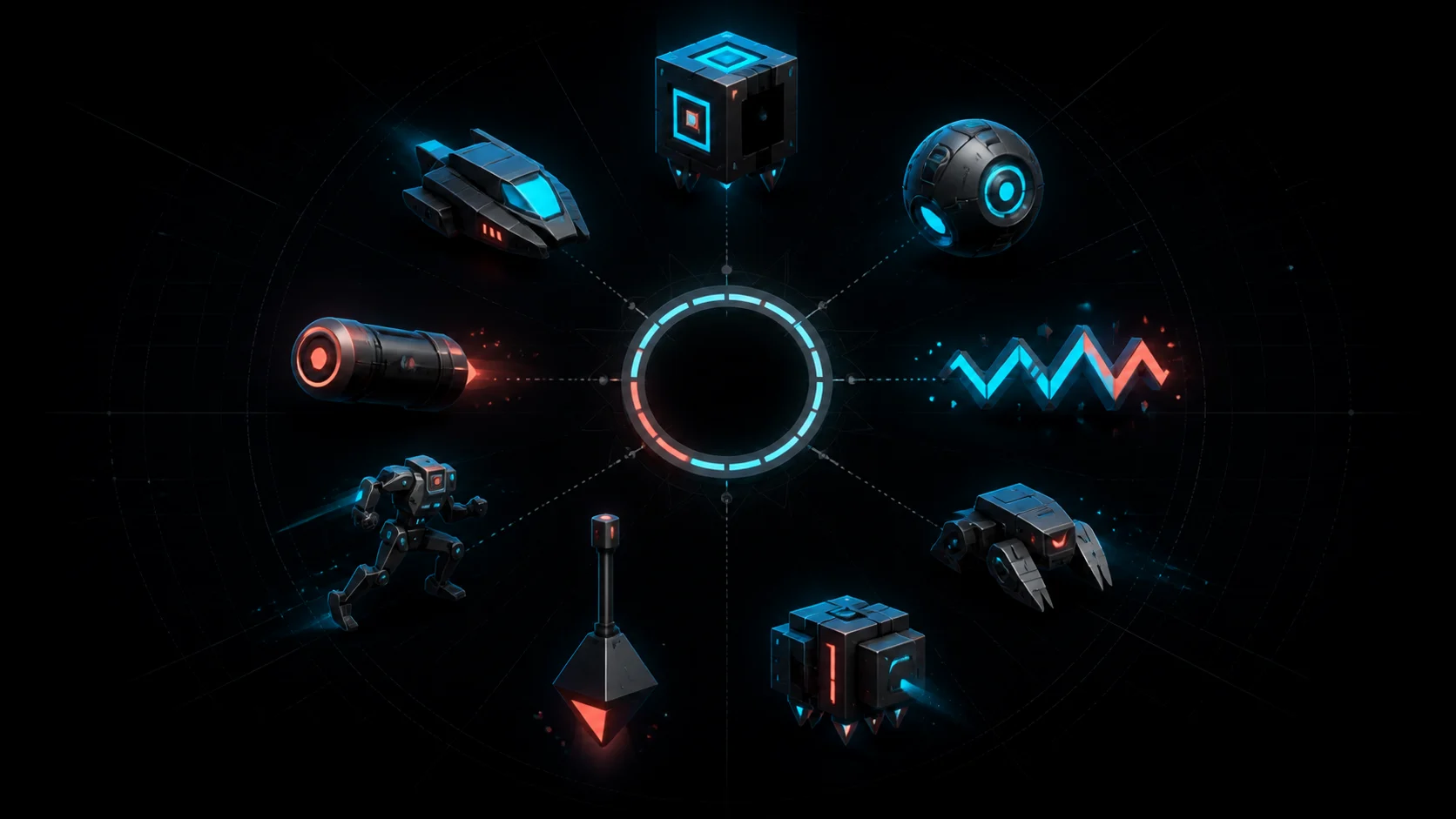
The foundational categories. Check the category tab as well as the lock hint; similarly styled designs can belong to different forms.
Compact silhouettes can be easy to confuse in image-heavy galleries. Use the in-game form tab rather than a visual guess.
These are separate movement forms, not alternative cube animations. Their rewards should remain tagged to the correct tab.
Newer categories make old seven-form guides incomplete. A current page must acknowledge them even when its verified starter dataset has no row for them yet.
Primary and secondary colours apply across icon selections. Glow is a visual layer, not a form and not a difficulty aid.
These are cosmetic effect groups. Search and filters should not mix them into the form count.
Verified starter dataset
Use these rows as a routing aid. They intentionally omit icon numbers and official artwork: the goal is to connect a requirement to a legitimate next action, not to clone the game’s gallery. Every row links back to the current Icon Kit reference and carries the same checked date.
Cube
Achievement
Open the locked cube hint, complete the official level in Normal mode, then return to the Icon Kit and verify that the reward appears.
Full game; also listed for supported free editions in the source notes
Check source ↗Cube
Vault
Make sure you are in The Vault—not Vault of Secrets—then use the dedicated codes guide for room access and spelling.
Full game / supported editions per current source
Check source ↗Cube
Gauntlet
Use this requirement only in Geometry Dash World or SubZero and verify it against the current locked-item hint. The full game displays a different requirement for the corresponding cube in Update 2.2.
Geometry Dash World and SubZero in Update 2.2; not the current full-game requirement
Check source ↗Cube
Path
Confirm the selected Path and rank in your current build before planning the grind; Path rewards are version-sensitive.
Current full-version route
Check source ↗Cube
Shop
Open the named shop and match the visible item and price. Do not treat a price on another shop screen as equivalent.
Current full-version route
Check source ↗Cube
Chest
This route identifies the chest class, not a guaranteed first opening. Earn keys normally and verify the current chest result.
Current full-version route
Check source ↗Ship
Collectibles
Check that the locked ship names Metal Shards, then compare your current shard total with the in-game requirement.
Current full-version route
Check source ↗Ball
Collectibles
User coins and secret coins are different counters. Confirm that the hint explicitly says user coins before using this path.
Current full-version route
Check source ↗UFO
Achievement
Use the achievement progress counter; completing unrelated gauntlets or single user levels does not satisfy a Map Pack requirement.
Current full-version route
Check source ↗Wave
Collectibles
Verify the shard family on the lock hint. Other shard colours are separate progression tracks.
Current full-version route
Check source ↗Robot
Achievement
Normal-mode completion is the gate. A Practice-mode clear or a browser remake should not be represented as the same achievement.
Current full-version route
Check source ↗Spider
Collectibles
Open the spider category and compare the requirement text before working on this shard threshold.
Current full-version route
Check source ↗This is a bounded guide dataset, not an exhaustive icon catalog or an icon maker. Each row describes a source-checked route category; it does not reproduce official sprites or assign an icon number.
Route map
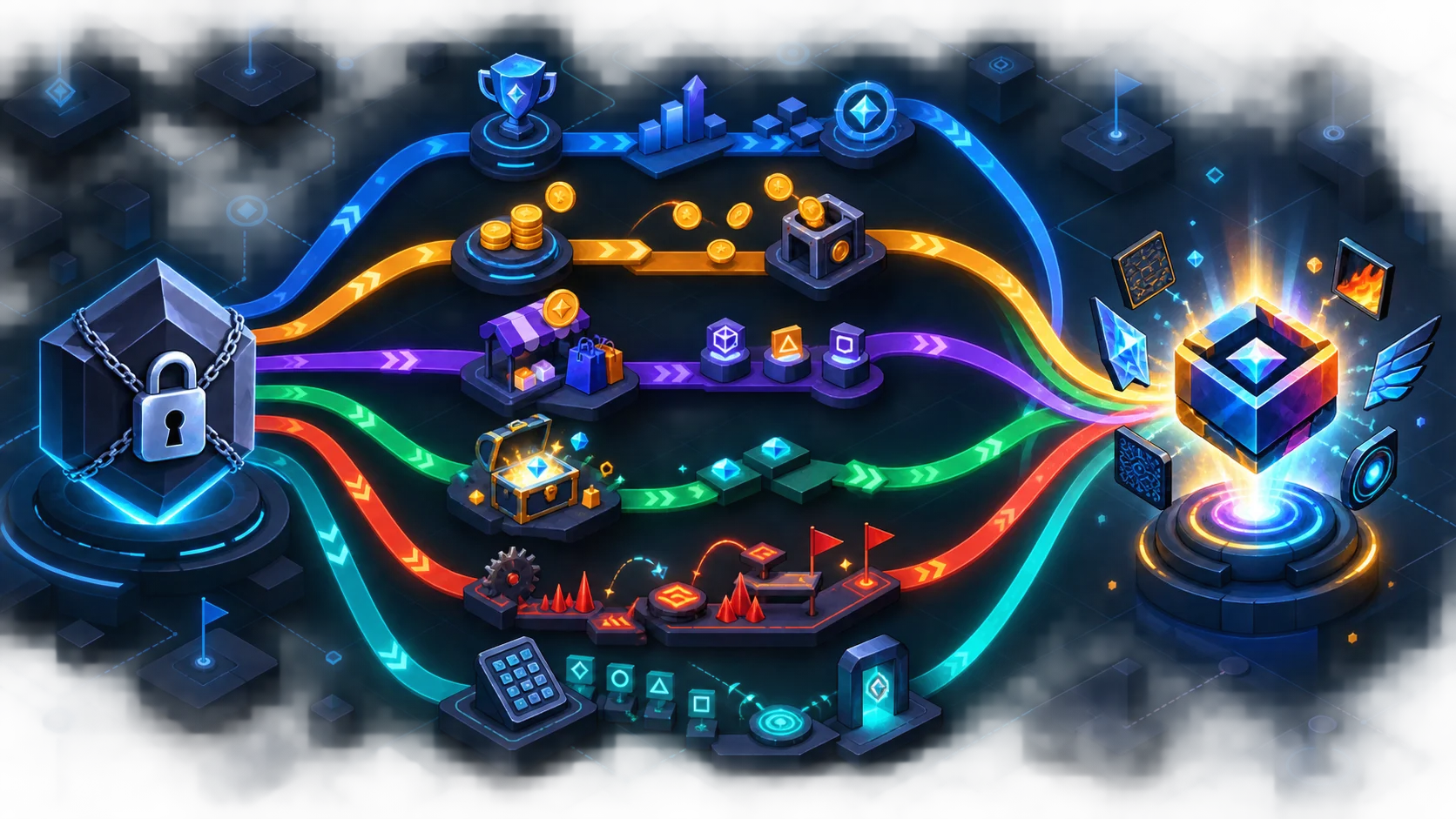
Achievements can name a level completion, mode, action count or broader progress target. Use the exact mode: a Practice clear should not be reported as a Normal-mode achievement. Collectibles include separate counters such as stars, moons, secret coins, user coins, shards, diamonds and keys. The noun matters more than the number.
Shops require the correct shop and currency. A price remembered from a different shop is not verification. Chests require the right chest class and keys, but a chest route should not become a guarantee that the first chest opened will show a particular reward. Gauntlets and Paths are named progress systems, so keep the named route and rank visible.
Vaults and secret rooms have distinct access rules and code namespaces. Continue to the dedicated Geometry Dash Vault Codes guide for room selection, accepted spelling and current rewards. Never merge all secret phrases into one undifferentiated list.
Verification workflow
Confirm the target form or cosmetic group in the Icon Kit. Do not identify it from a thumbnail alone.
Record the full requirement shown on the locked item, including the collectible type, mode, room, shop or Path rank.
Use the form and channel filters. If there is no row, treat the item as unverified in this guide rather than impossible.
Confirm that the requirement applies to the full game or the spinoff build you are using, then compare the source's current wording.
Return to the Icon Kit after the action and confirm the reward. If the current game and guide disagree, the public row needs review.
For a coin-gated route, keep secret coins and user coins separate. If the blocker is an official-level secret coin, open the relevant guide—such as Stereo Madness, xStep, Electrodynamix or Deadlocked—and verify that the page discusses the needed level rather than a generic browser remake.
Failure modes
Older guides may stop before swing or jetpack. Use the current category inventory and do not infer that an omitted form does not exist.
Secret coins and user coins have different counters and routes. A threshold without its coin type is incomplete.
The Vault, Vault of Secrets and newer secret rooms are not interchangeable. Match the room before entering a code.
Seeing a design in a gallery or editor does not prove it is unlocked on your save or obtainable in your edition.
Unlock requirements are distributed across unrelated systems. No single grind order is fastest for every target or save.
A fan-made browser experience can help practice, but it should not be represented as completing the official account achievement.
Source boundary
The Icon Kit is documented in the full game and the Lite, Meltdown, World and SubZero editions, but the available unlockables are limited outside the full version. Some spinoff-specific cube progress can be moved into the full version with a supported user account. That does not mean every full-version requirement can be completed in every spinoff.
Version labels also need care. The official community reference currently contains rows marked for a future update or not unlockable yet. This guide excludes those rows from its starter filter. A visible gallery entry is not enough to label an item obtainable now. Each future data expansion should store the item requirement, edition, availability, source URL and checked date together.
The official wiki article is marked work in progress, so it is a strong current reference rather than an infallible database. Where possible, compare its row with the live in-game lock hint. A disagreement is a review signal; it is not permission to invent a replacement requirement.
Questions players ask
The Icon Kit is the in-game customization menu for player forms, colours, glow, trails and death effects. These selections change appearance; they do not change level physics.
Select the player icon on the main menu. The menu for user levels also has a hanging-rope route into the customization area. Exact navigation can vary by edition and version.
There is no single legitimate shortcut. Requirements span achievements, collectibles, shops, chests, gauntlets, Paths, vault rooms and edition-specific progress. Start with the hint on the locked item.
Yes. They are distinct playable-form categories in the current kit. Trails, death effects, colours and glow are cosmetic layers rather than extra gameplay forms.
No. Icon designs and cosmetic effects do not change the physics of a cube, ship, wave or other form.
No. The kit appears in those editions, but the available unlocks differ. Some spinoff progress can transfer through a supported account, so check the edition field and current in-game hint.
Yes, some specific phrases in specific secret rooms award Icon Kit items. The room, access requirement and spelling matter, so use the dedicated Vault Codes reference.
No. This page is a source-checked unlock-path guide with filters. It does not edit sprites, export assets, copy official icons or claim to be an exhaustive catalog.
The filter contains a limited set of rows that were individually checked for this release. A missing row means it has not been added to this verified set; it does not prove that the item is unobtainable.
Evidence trail
Definitions, form categories, unlock-channel descriptions and the finite guide rows were checked against the Official Geometry Dash Wiki on 2026-09-04. The source is community maintained and the Icon Kit article is marked work in progress; current in-game wording remains the final check for a specific save and build.
Original badge tool
Difficulty-style tool
Creator tool
Secret rooms
Lookup utility
Catalog
Independent guide · checked 2026-09-04 · the linked makers use original geometric parts and do not reproduce official Icon Kit sprites. Illustrations were generated for DashedUp without official logos, sprites, text or watermarks.
Play next
Open a separate browser game to practise related movement. This recommendation does not claim that the exact level in this article is included.
Browse games